
 Network
 Products
 Cost & Services
 Information
 Shopping Cart
 Bestsellers


 Featured

Colon Hydrotherapy - LIBBE Colonic
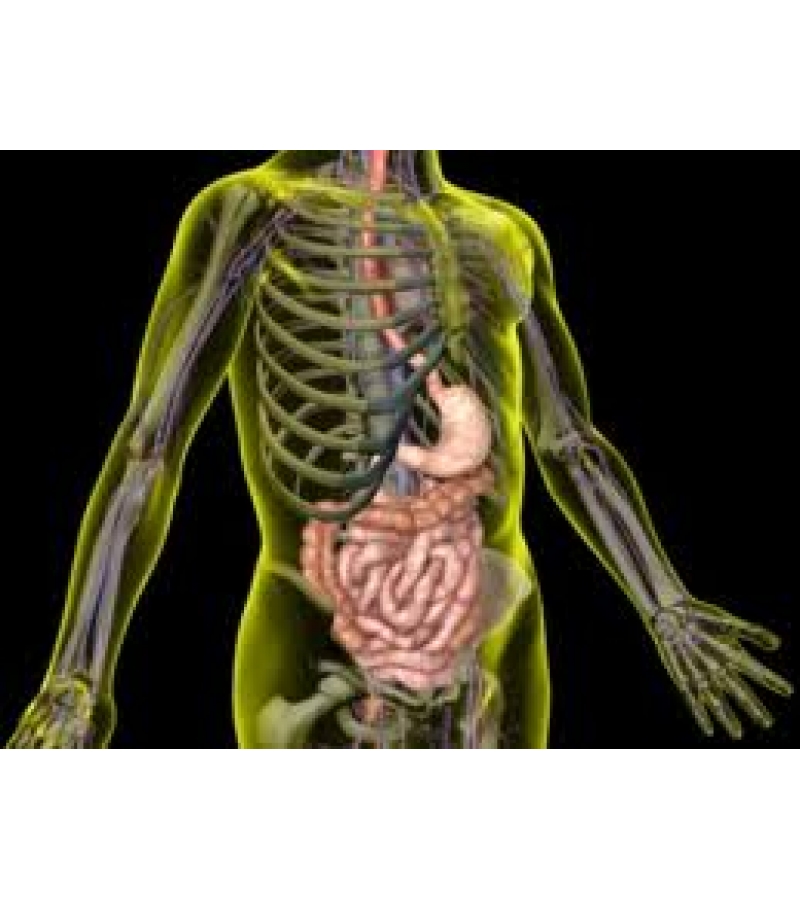 Click to enlarge |
|
How to Prepare
Although you may have experienced a colon hydrotherapy session elsewhere - we are not a discount carrier, and so you will be placed on a regimented protocol before getting on our colonic table.
- You want to invest in our internal toxemia cleanse: it is always important to wash off the dish before you rinse off the plate, a colon cleanser will remove the mucoid plaque built up in the body from the putrefaction of waste. Avoid cramping gases, bloating and pangs awhile on the colonic table by killing all the worms, flukes and parasites 1st and then washing them away with a series of colon hydrotherapy sessions.
-
Book a Lifestyle Advice consult with the owner: You'll get a FOOD MAP along with PROPER FOOD COMBINING rituals attached and other little Life Hacks to help you optimize performance in the body
-
You'll need to get a powerful herbal probiotic blend to aid in digestion & restoring a healthy balance of intestinal flora
-
Look at our list of taboo foods to stay away from awhile detoxing
Consider a fast off of:
- Bread or Alcohol - yeast and candida issues
- Meat - worm and fluke infestation,
- Dairy - rid of mucous and phlegm.
What you pay for:
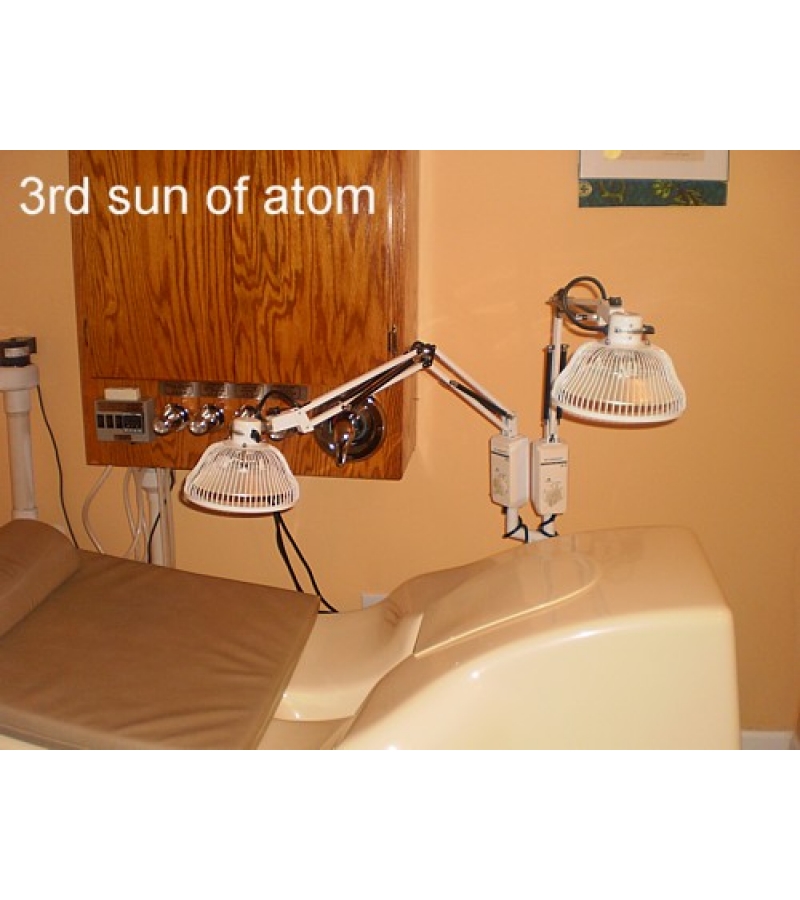
Time, energy and resources. You may elect to stop your session at any point for whatever reason. However, you will not get a refund nor any partial payment. We still have to clean up after you the same as if you were on the table for the entirety of a full session. You pay for the use of our facility, our knowledge, herbal supplements, drape sheets, a disposable rectal nozzle tube, clear tubing, water & utilities. Although it is not common for persons to do so, it does occur. And so that there are no disappointments about this, it must be pointed out as to not compete to see who has the strongest opinion. Please be professional. Go to the Information tab & peep everything related to colonics. Read our online prospectus in its entirety first as to know what to anticipate before we do business.
........................................
Symptoms Legend:
Constipation - haven't had a bowel movement in a few days to weeks
Colonic Inertia - Irregular slow bowel elimination
Internal Toxemia - Feeling lethargic, sick, unbalanced
To book an appointment, go thru the check out & follow the prompts. We will contact you 1st to pencil you in & confirm your date/time request.
Please click the green button to fill out the colonic release form and print it out.
Colonics are not intended to cure, nor treat any diagnosis.
Sufferers in poor general health are advised to seek out a professional medical licensure for any of the following ailments:
- Bile duct stricture,
- hemorrhoids,
- anal fissures
- STD-related breakouts
- Complications with HIV,
- Cancer, Diabetes, Blood pressure
- Are on prescribed medicines
- Have not done a required detox
- Are obese, under age or elderly
Your Review: Note: HTML is not translated!
Rating: Bad Good
Enter the code in the box below:

Click to enlarge
Click to enlarge
Click to enlarge
Click to enlarge
 Herbal Atom - High Alkalizing Powder NUTRITIVE $90.00 
|
 Ear Candling Thermo Auricular Therapy $40.00
|
 Cascara sagrada Natural Laxative, Constipation $40.00 
|
 Senna Natural Herbal Laxative $45.00
|
 Black walnut hull powder natural anti-parasitic and astringent $35.00
|
 Wormwood liver insufficiency, kidney oedema, anemia $110.00
|
 Vitamin C - White Crystal Powder Boost Immunity, Reduces Allergy Symptoms $20.00
|
 Goldenseal herb powder upper respiratory & urinary tract infections $34.00
|
 Comfrey herb Anti-cancer properties, helps heal wounds $35.00 
|
 Reiki Chakra Cleansing - Remove Energy Blockages $80.00
|
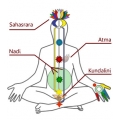 INTUITIVE TOUCH THERAPY mood enhance * focused bodywork $0.00
|
